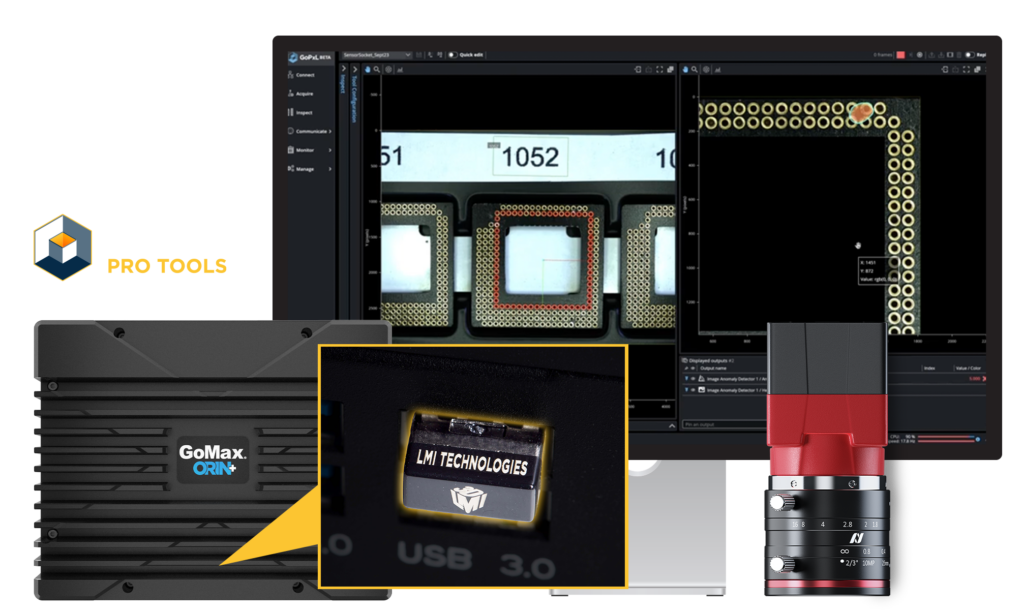
with Alvium 2D Cameras + GoPxL Pro Tools + GoMax or PC
Modular Deployment for Custom Vision Workflows
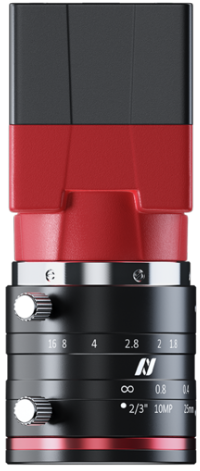
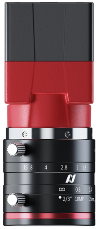
Choose Alvium® 2D Cameras with GoPxL® Pro Tools running on GoMax® or an industrial PC when your application demands customizable optics, centralized processing, and scalable multi-camera inspection beyond the fixed configurations of smart cameras.
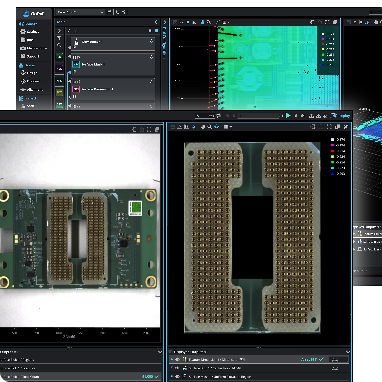
Alvium cameras deliver flexible, high-quality image acquisition, while GoPxL Pro Tools run advanced AI and rule-based inspection workflows. Evaluate and develop inspections free-of-charge in Replay mode, then unlock LIVE production deployment with the appropriate Pro Tools license.
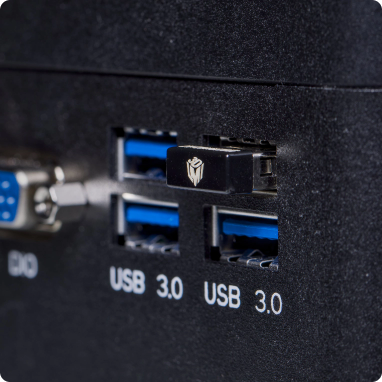
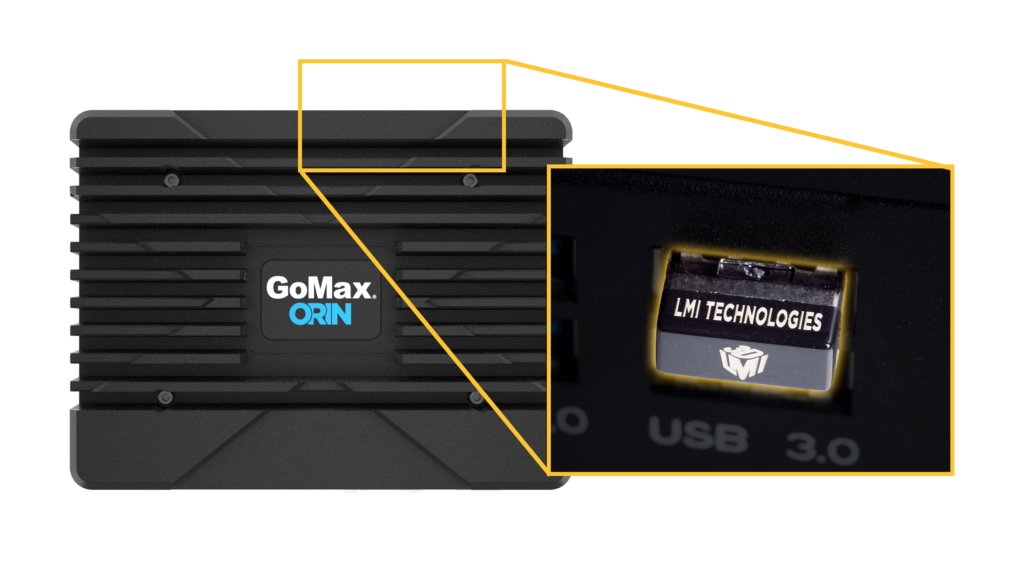
System Requirements Purchase of a licensed LMI Dongle is required to use GoPxL Pro Tools on LIVE production data. GoPxL Pro Tools runs on GoMax or PC hardware.
Why Alvium 2D Camera + GoPxL Pro Tools Running on PC/GoMax?
Camera-Only Simplicity No software onboard; high quality images captured and streamed directly to host device
PC or Edge-Based Processing Use your own custom vision stack or GoPxL running on PC/GoMax
GoPxL Pro Tools Inspection Suite Unlock advanced AI and rule-based inspection tools for LIVE production with a licensed USB dongle
Replay & Evaluation Test tools and workflows in Replay mode before licensing
Unified Platform Deploy 2D and 3D inspections on the same PC with one GoPxL instance
Ideal For
• Embedded vision and AI developers • OEMs and custom machine builders • External GPU model training workflows • Applications requiring separation of imaging and inspection logic
When to Choose Alvium with GoPxL Pro Tools
Need Multi-Camera Scalability Scale efficiently with synchronized multi-camera systems managed from a single compute platform—ideal for wide-area inspection, multi-angle analysis, and coordinated 2D inspection tasks.
Need Greater Flexibility in Field of View & Feature Resolution Select from a broad Alvium camera portfolio to precisely match field of view, pixel resolution, and feature size.
Have High Throughput & Processing Demands Handle high data rates and computationally intensive inspections by offloading vision processing to GoPxL Pro Tools on an industrial PC or GoMax—ideal for complex pipelines, advanced filtering, and custom logic.
Operating in Safe Deployment Environments Deploy confidently in clean, controlled enclosures where IP67 protection is unnecessary. Alvium’s RJ45 connectivity simplifies integration and serviceability in cabinet-based systems.
Need Centralized Processing Architecture Consolidate vision processing on a host PC or GoMax to enable advanced third-party software integration, custom algorithms, and flexible system scaling beyond fixed edge constraints.
Alvium 2D Camera Technical Specs
Feature
Specification
Camera
Alivum GigE Cameras, Global Shutter CMOS (5MP / 12MP)
Image Format
Mono / Color
Connectivity
Gigabit Ethernet (M12, IP67)
Lens Mount
C-Mount
Dimensions
49.3 × 72 × 111.75 mm
Housing
IP30-Rated
Power & Triggering
RJ45 with PoE, Trigger over I/O connector
On-camera processing
Auto exposure/gain and color interpolation, no image inspection tools.
Alvium GigE Cameras — Elite 2D Vision Beyond the Edge
GoPxL supports a range of Alvium G1 GigE cameras with a wide selection of resolutions, color options, and sensor formats to match your inspection requirements. Choose the camera that balances the right resolution, field of view, and frame rate for your application.
Alvium G1-240m
2.4 MP mono 1/2.3” sensor format
Alvium G1-240c
2.4 MP color 1/2.3” sensor format
Alvium G1-510m
5.1 MP mono 1/1.8” sensor format
Alvium G1-510c
5.1 MP color 1/1.8” sensor format
Alvium G1-811m
8.1 MP mono 2/3” sensor format
Alvium G1-811c
8.1 MP color 1/2.3” sensor format
Alvium G1-1242m
12.4 MP mono 1/1.1” sensor format
Alvium G1-1242c
12.4 MP color 1/1.1” sensor format
Alvium G1-1620m
16.2 MP mono 1.1” sensor format
Alvium G1-1620c
16.2 MP color 1.1” sensor format
Choose Your Inspection System
GoPxL Pro Tools supports three LIVE production licensing options—AI Tools, Image Tools, or a combined AI + Image Tools suite—allowing you to build the inspection system that best fits your application.
Whether deploying Alvium® cameras with GoMax® or an industrial PC, you can configure systems for deterministic image inspection, advanced AI-driven defect detection, or hybrid inspection workflows that combine both approaches within a single unified platform.
AI Anomaly Detection, Image Classification, Object Detection
AI-driven inspection for variable defects
Full Tool List
AI Tools include:
Image Classifier (2D)
Image Object Detector (2D)
Image Anomaly Detector (2D)
Image Tools include:
Barcode, Matrix Code, QR Code, OCR (2D)
Blob, Pattern, Feature Mask, Track (2D)
Circle, Line, Line Count, Pixel Count (2D)
Filter, Transform, Intensity, Arithmetic (2D)
How It Runs
One platform. Two modes of operation.
Evaluate and Develop
(Free, No Dongle Required)
Use Pro Tools in Replay mode on recorded data.
Deploy
(Licensed Dongle Required)
Unlock Pro Tools for LIVE Inspection on production data.
GoMax Accelerators
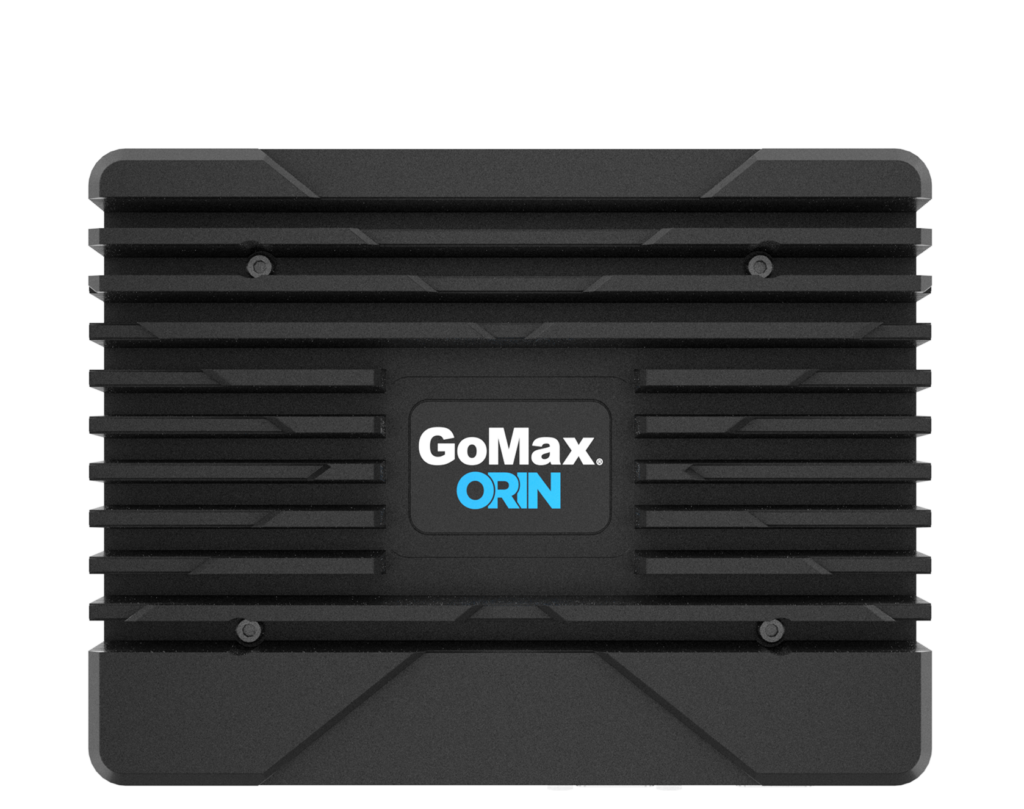
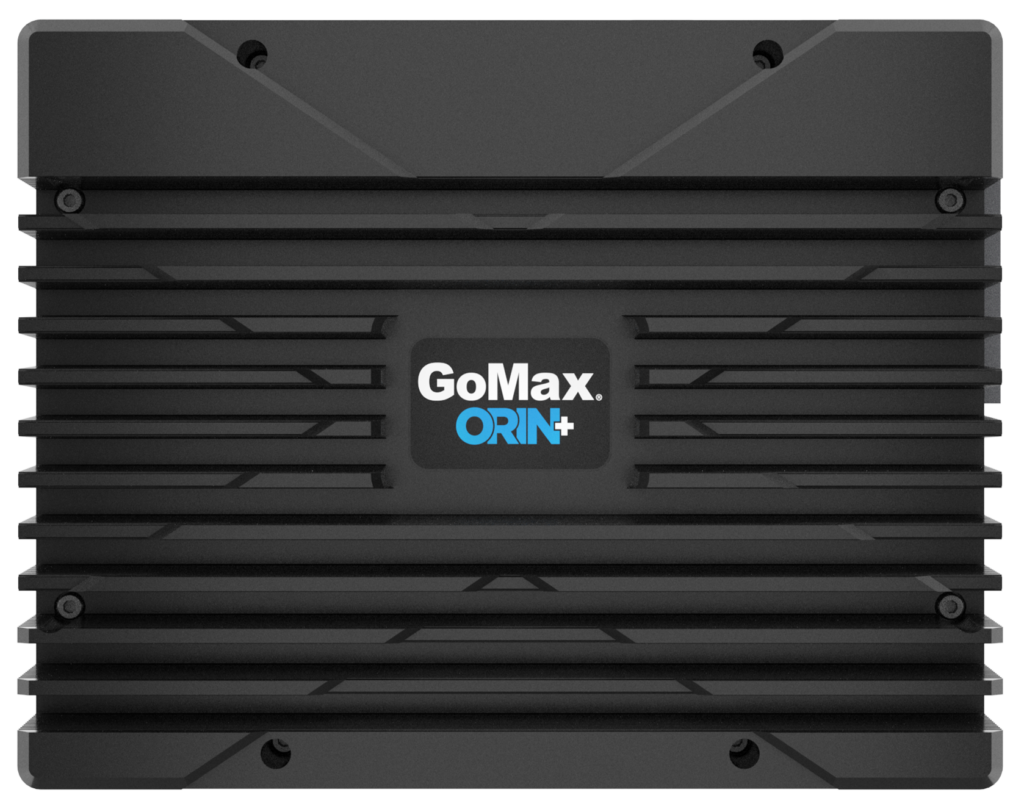
GoMax® Accelerators provide the processing power for GoPxL® Pro Tools with Alvium® cameras in scalable AI and image-based inspection workflows for demanding production environments.
Accelerator Type
GoMax ORIN Accelerator
GoMax ORIN+ Accelerator
* Users can evaluate GoPxL Pro Tools on GoMax in Replay mode without a license. LIVE production requires a licensed USB dongle.